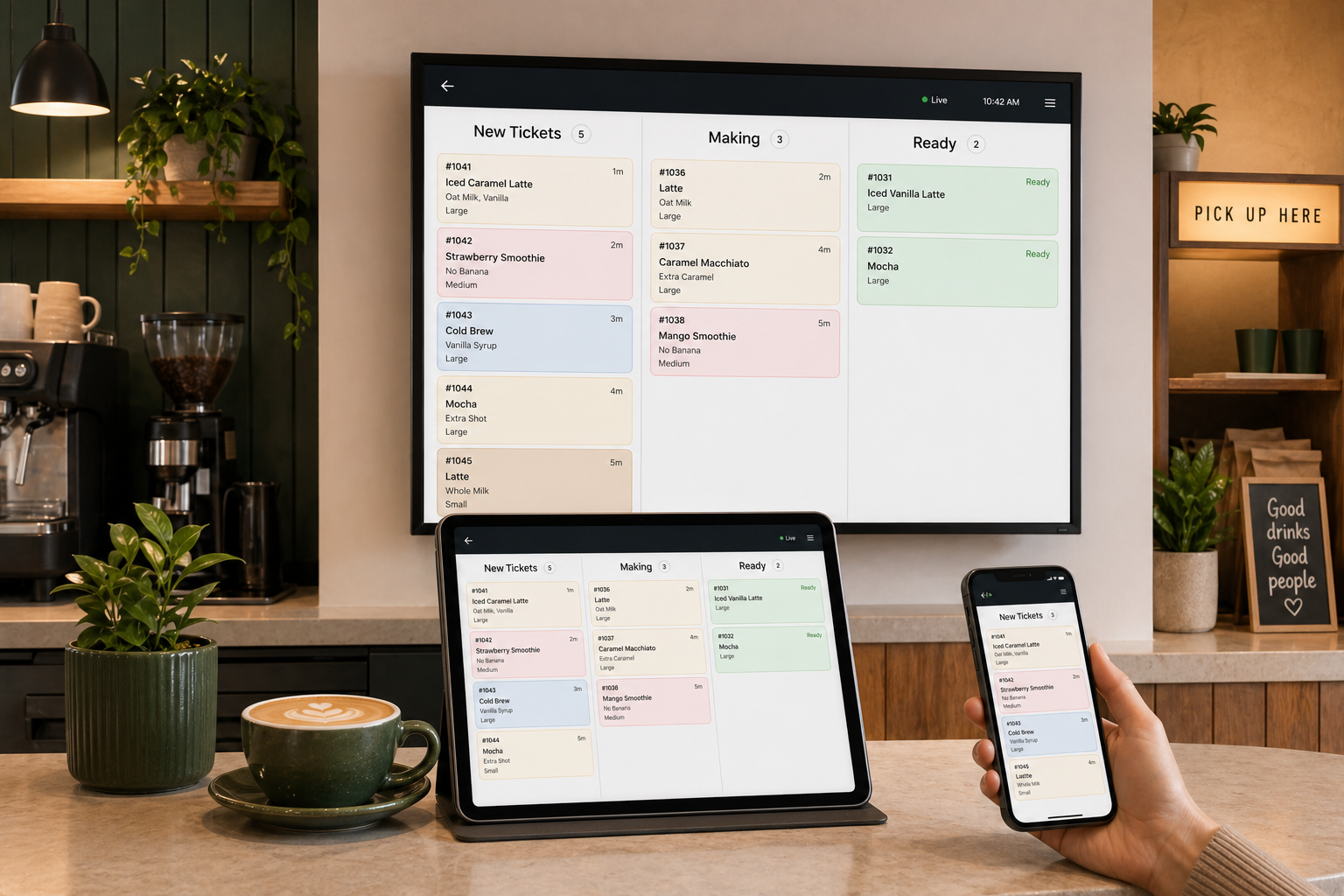
Drink items, modifiers, names, timers, and checkoffs stay clear during service.
Field case study · Goldie's Coffee & Goods
DrinkFlow KDS, tested at a real mixed retail counter.
Goldie's first live deployment helped prove what DrinkFlow is built to do: keep drink preparation focused while the full sale, customer handoff, and owner view stay connected.
What real service validated
Product lessons, not vanity numbers
Retail, food, notes, service type, and order history remain available for lookup.
Preparation, customer displays, menu availability, and owner reporting share one flow.
The problem behind the product
A drink ticket and a full sale are not the same view.
At a shop that sells drinks alongside retail goods and food, the bar should not have to sort through every item. But hiding those items completely creates a different problem when staff need to answer a transaction question later.
DrinkFlow separates the preparation work while preserving the full order for the people and moments that need it.
Sample mixed sale #18425 items
- 2xIced latte + modifiersPrep
- 1xMatcha lattePrep
- 1xRetail itemContext
- 1xBakery itemContext
One sale. Two useful levels of detail.
The bar sees makeable drinks, modifiers, names, timing, and item checkoffs.
The complete sale remains available without adding noise to the active drink queue.
Approved field evidence
Every number answers a product question.
Rounded Goldie's aggregates through July 15, 2026 show why mixed-order handling, item-level progress, transaction lookup, and measurement belong in the product.
of drink orders also included a non-drink item.
Mixed baskets are routine, so DrinkFlow separates the work without breaking the transaction.
recorded orders contained no drinks.
Retail-only activity stays out of the bar's live queue while remaining available elsewhere.
orders used drink-by-drink checkoffs.
Real use confirms that multi-drink orders need item-level progress, not only one status per ticket.
usable timing samples built a service baseline.
Owners can test operational changes against observed preparation behavior instead of guesswork.
3:03 → 3:07
Median preparation time stayed essentially flat across comparable four-week periods. That is not a speed claim. It is a useful baseline for the next workflow experiment. July 4 and obvious timing errors were excluded from the comparison.
Privacy boundary Public evidence is rounded and aggregate. Customer identities, staff-level performance, private financial details, recipes, and internal configuration remain private.
DrinkFlow in practice
One operating system can still feel like the shop using it.
The DrinkFlow structure stays consistent across devices. The branded layer can reflect the customer's own colors and identity, which is why Goldie's green and gold belong inside its deployment rather than across the whole DrinkFlow case-study page.
Beyond the ticket board
The owner gets a decision view, not another pile of tickets.
DrinkFlow separates drink performance from the rest of the sale and turns service history into questions an owner can act on: what sold, when demand arrived, how orders were composed, and what happened between start and ready.
Drink demandVolume, mix, and peak hours stay visible without retail items blurring the picture.
Preparation behaviorStart-to-ready timing and item checkoffs create a baseline for improvement.
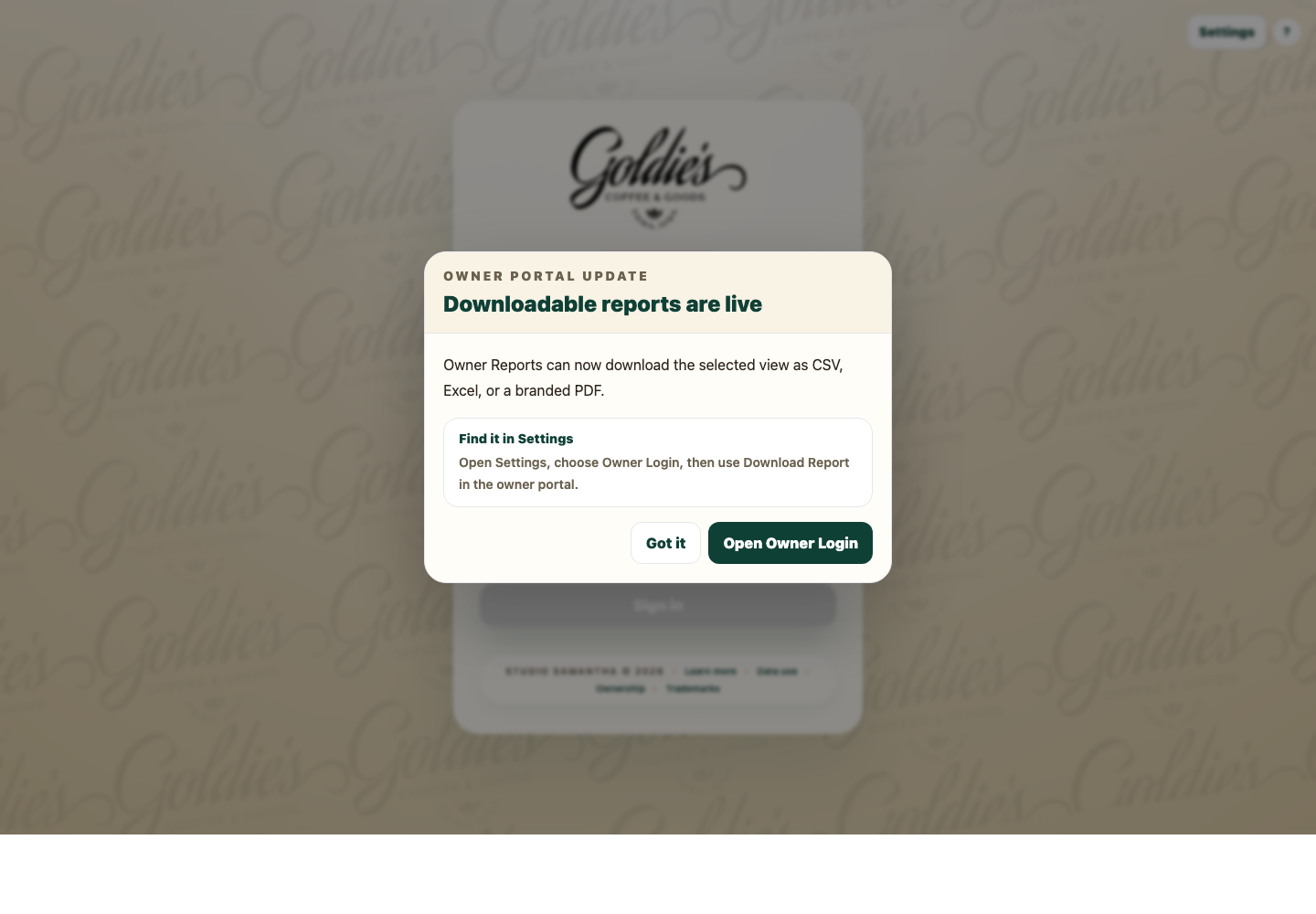
Portable reportingSelected views can leave the portal as CSV, Excel, or a branded PDF.
Drink orders128
Peak hour9 AM
Avg drinks1.8
2+ drinks34%
Hourly order volume
Drink mix
Coffee
58%
Tea
26%
Smoothie
16%
Sample insight: prepare for the 9 AM demand peak and compare next week's handoff timing against the current baseline.
A living field study
Observe the counter. Improve the system. Measure again.
DrinkFlow's product decisions are shaped by real service behavior, but the public story stays focused on customer outcomes rather than internal architecture or private operating details.
Observe
Identify where staff lose focus, context, or confidence during service.
Build
Change the workflow around a specific, testable operating problem.
Measure
Use aggregate behavior to see what changed and what did not.
Learn
Keep useful gains, revise weak assumptions, and define the next experiment.
Selected product evolution from the Goldie's pilot
Retail-only activity stopped competing with drink work.
The live board became a preparation view while the dashboard retained the complete transaction.
Multi-drink tickets gained drink-by-drink checkoffs.
Staff could see what was complete without treating a whole order as one indivisible task.
Pickup and order-status displays joined the system.
Useful status could reach customers without exposing internal preparation detail.
Service history became usable reporting.
Volume, mix, timing, order composition, and exports made the KDS useful after the rush too.
The field partner
Goldie's is the proving ground. DrinkFlow is the product.
Goldie's Coffee & Goods in Exira, Iowa combines specialty drinks with local goods and food, making it a valuable environment for testing the mixed-order reality DrinkFlow is designed around.
Public brand context: Goldie's Coffee & Goods brand story.
What carries beyond one shop
Focused preparation, full-order lookup, item checkoffs, customer-facing status, menu availability, training mode, and owner reporting can support coffee shops, smoothie counters, tea stands, food trucks, and other small drink-service businesses.
Bring your counter into the conversation
Show us how your drink service actually works.
A DrinkFlow demo starts with your menu, order mix, service flow, screens, and the operating questions you want answered.